

How to Use Paze at Dunkin with $10 Promo (Aug 2026 Guide)
NCnextcard team

Advertiser Disclosure: nextcard may receive compensation from card issuers. Opinions expressed here are the author's alone, not those of any bank, credit card issuer, airlines or hotel chain. For the most up-to-date terms & conditions, refer to the official credit card application on the issuer's website.
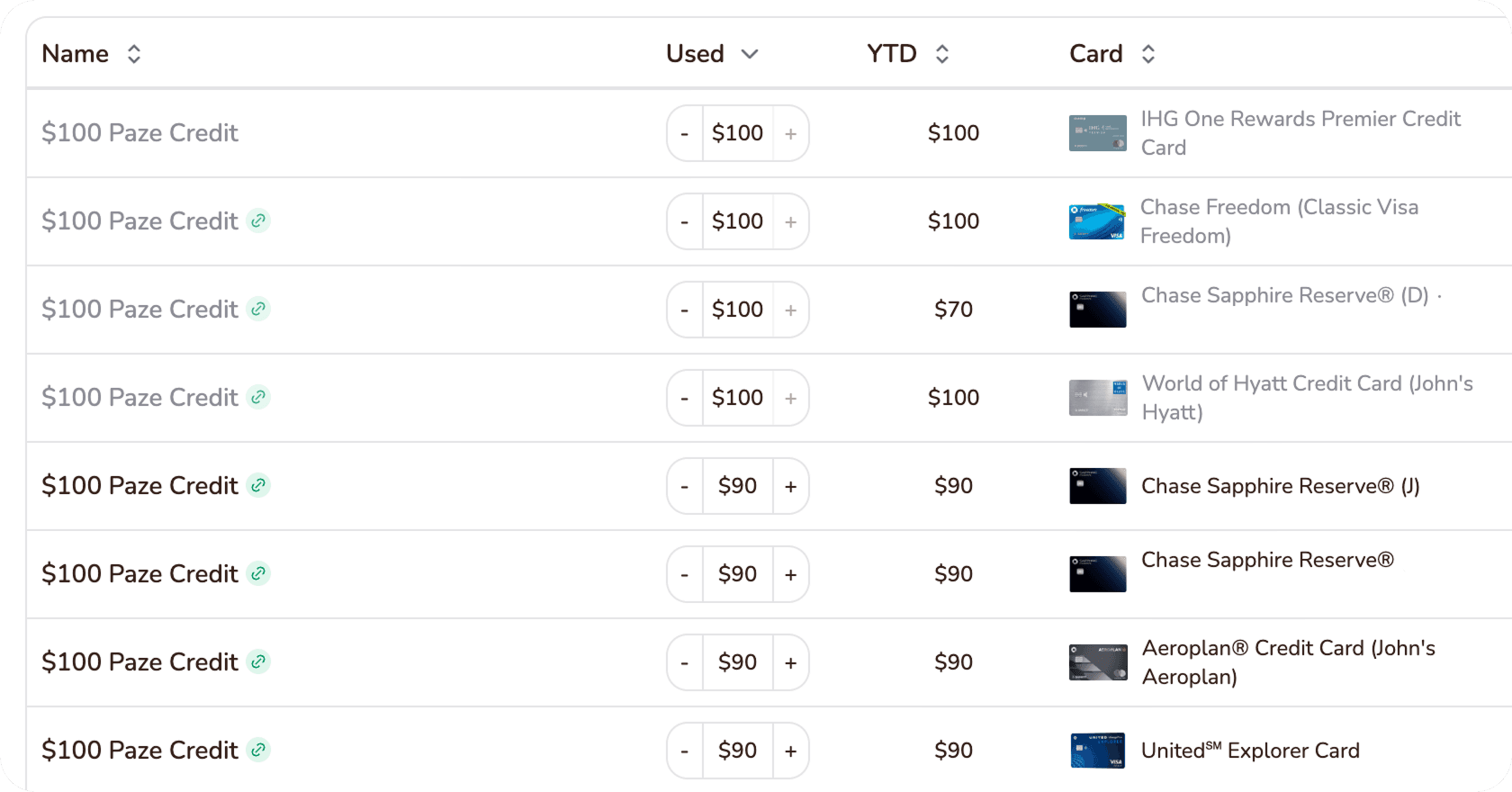
If you’re using the Spend $10/Earn $10 Paze promotions across several credit/debit cards, one of the hardest parts is surprisingly simple: figuring out how many credits you’ve already used.
There is no centralized Paze credit tracker showing your progress across issuers, so you need your own system to avoid losing count.
There is no centralized Paze dashboard that shows how many $10 promotional credits you have used across all of your eligible cards.
Other banks may not number individual Paze credits, which means you may need to count qualifying purchases or credits yourself.
The simplest tracking method is counting by hand, while a spreadsheet works better if you are using multiple cards or offers.
Automated tools such as nextcard’s tracker can reduce the manual work if you are making a large number of Paze transactions.
The ongoing Paze $10 offer involves a large number of transactions: $10 back after spending $10, up to 10 times per eligible card
That means a single card can potentially generate 10 separate statement credits, and someone using the promotion across several eligible cards could quickly have dozens of transactions to monitor (if not hundreds).
The problem is that Paze itself does not give you one consolidated tracker showing something like:
Card A: 7 of 10 credits used
Card B: 10 of 10 credits used
Card C: 3 of 10 credits used
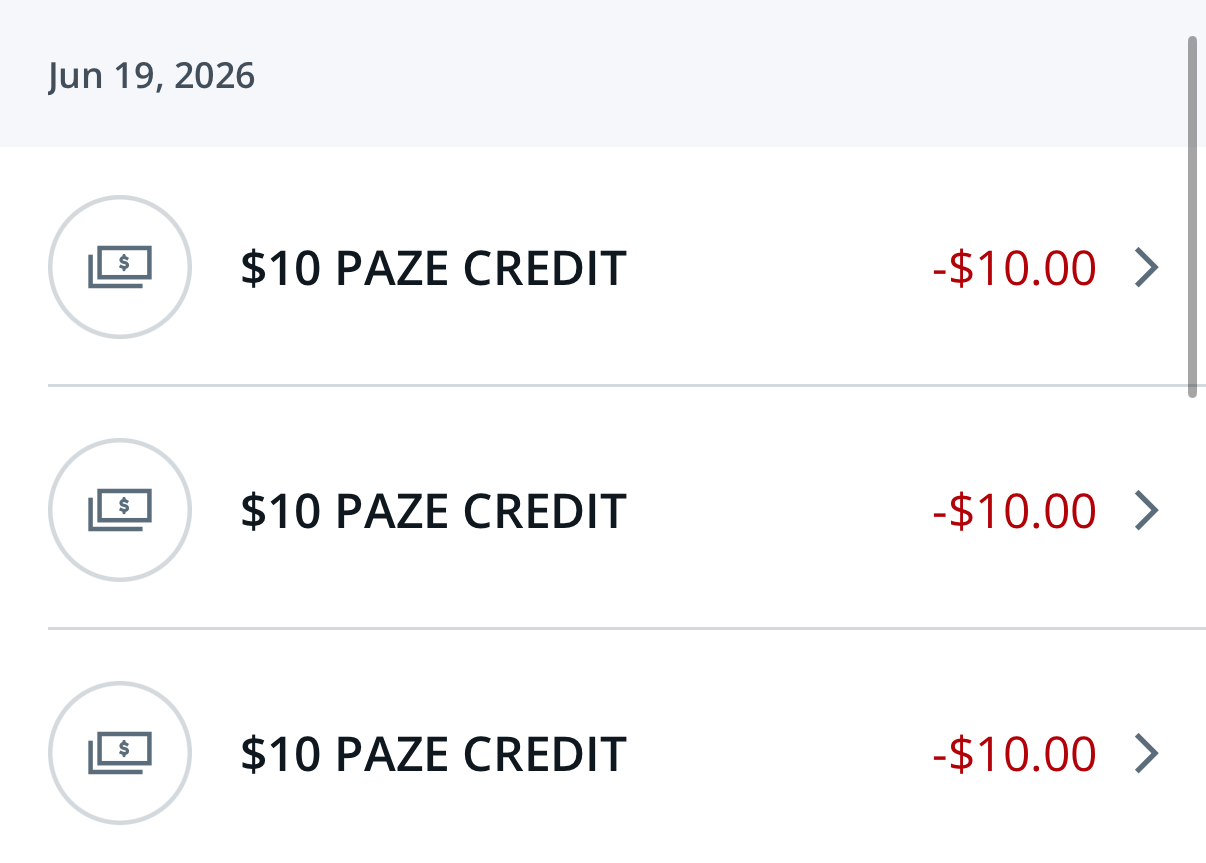
Instead, you generally have to monitor activity through each individual eligible card. Notably, Capital One does make life a little since the credits show up as “PAZE CREDIT (1),” “PAZE CREDIT (2),” and so on.
That becomes even more important when you are using Paze frequently at merchants such as restaurants running Clover checkout. Paze can be used online at roughly 35,000+ U.S. Clover merchants, creating plenty of opportunities to generate multiple transactions.
Here are the three easiest ways to keep everything organized.
Manually counting transactions is probably the simplest solution.
Open your credit card account and look through your recent transactions or posted statement credits.
Count each qualifying Paze transaction as you complete it. If your promotion allows 10 uses per card, you can keep a simple note like:
Sapphire Reserve: 6/10
Venture X: 9/10
You can keep this in your phone’s Notes app, a text file, or even write it down.
The important part is updating the count immediately after each purchase rather than trying to reconstruct everything later.
Counting by hand makes sense when:
You only have one-two eligible cards.
You are only making a few Paze purchases.
Your bank makes Paze credits easy to identify.
Once you start using three, four, or more eligible cards, manual counting becomes much easier to mess up. Then, you need to have more free time...
A spreadsheet is probably the best middle-ground option for most people.
It requires a little more setup, but it becomes much easier to see exactly where you stand across multiple cards.
Given how many transactions Paze offers can incur, diligence is important; otherwise, you might lose track of what you have access to! For example, Paze can be used at Dunkin to purchase gift cards or buy new Dunkin cards. This can result in a lot of tracking.
A basic tracker could include:
Card | Bank | Paze Uses | Max Uses | Remaining | Last Purchase |
|---|---|---|---|---|---|
Venture X | Capital One | 7 | 10 | 3 | Aug. 6 |
Sapphire Reserve | Chase | 5 | 10 | 5 | Aug. 5 |
Card #3 | Wells Fargo | 10 | 10 | 0 | Aug. 3 |
You can also make the spreadsheet more detailed by tracking every individual purchase. Useful columns include the card name, bank/issuer, and Paze uses.
If you are using a large number of cards or completing dozens of Paze transactions, manually maintaining a spreadsheet can become tedious.
That is where automated trackers such as nextcard's can be useful.
Instead of repeatedly opening multiple bank accounts and updating a spreadsheet, an automated tracker helps organize your progress in one place.
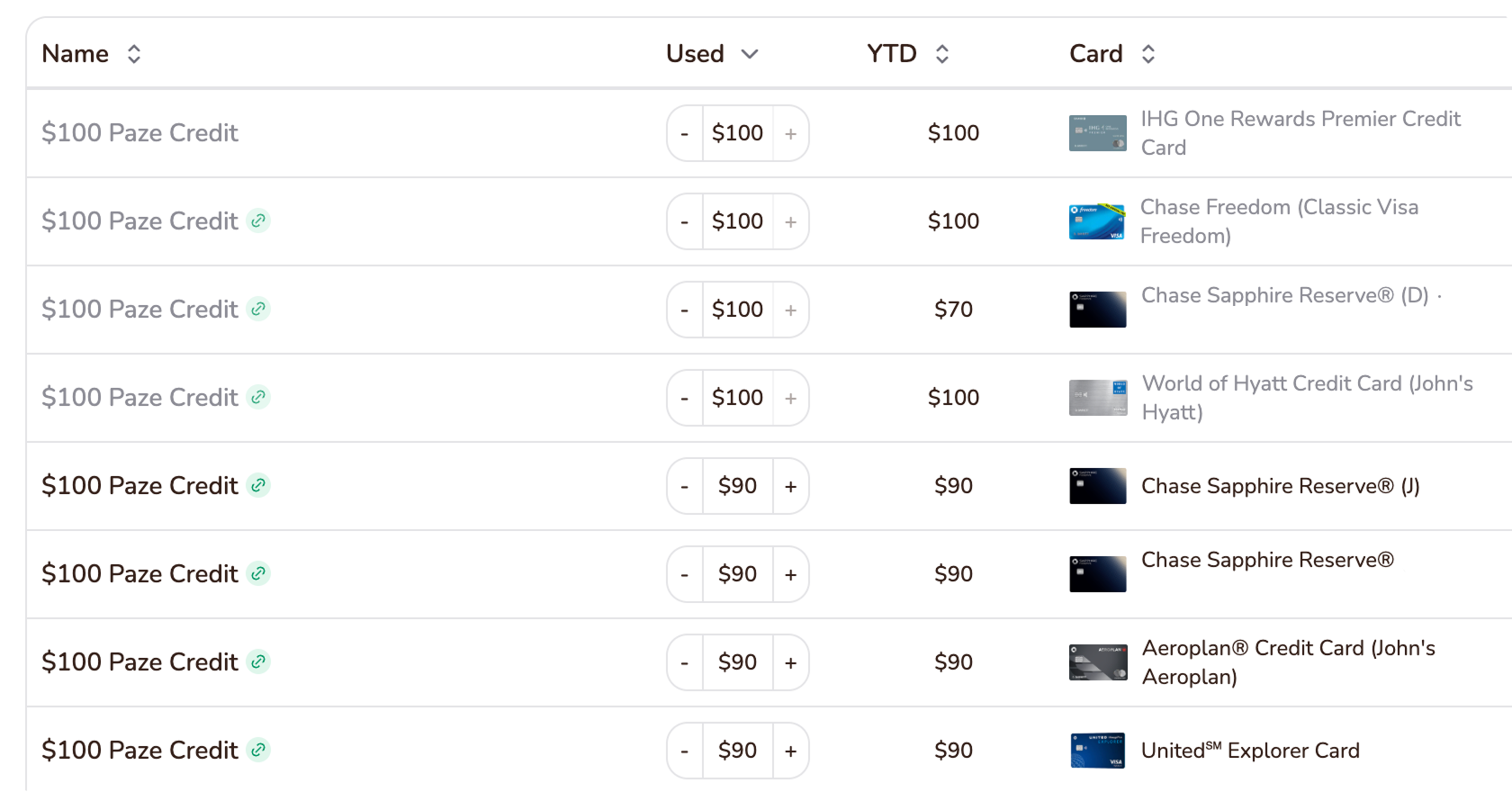
This is particularly useful for people who are:
Running the promotion across several eligible cards.
Buying from several different merchants.
Trying to remember which cards have already reached their promotional limit.
The main advantage is not necessarily that the math is difficult. It is that repetitive manual tracking creates opportunities for mistakes. If you have 3 cards, that's potentially 30 transactions you need to monitor across three cards!
One forgotten transaction can leave you thinking you have an additional credit available when you have actually reached the limit.
Here's how you can get started with nextcard Paze tracking.
The best system depends mostly on how aggressively you are using the promotion and how much free time you have (or how many brain cells you want to lose):
Tracking Method | Best For | Effort | Risk of Losing Count |
|---|---|---|---|
Count by hand | 1 card, a few purchases | Low | Higher |
Excel/Google Sheets | Several cards | Medium | Low |
Automated tracker | Heavy Paze users with 3+ eligible cards | Lowest ongoing effort | Low |
If you are only using a single card, creating an elaborate spreadsheet is probably unnecessary. nextcard's automated tracking will be useful, but you might also like other features like automated offer enrollment as well.
If you are trying to maximize 10 credits across five different cards, however, you could be tracking as many as 50 qualifying transactions. At that point, relying on memory is asking for trouble. Here, not only can you track everything with nextcard, but you can track all five of your credit card's benefits/credits centrally as well!
You do not need a complicated system.
Check how many promotional uses you believe remain on the card. We pull up the nextcard credit tracker and search up Paze whenever we're about to buy something.
Add one to your purchase count. You're basically just making sure you don't lose track of eligible purchases (since that's also annoyingly hard to find).
For example:
Chase Card: 7 purchases / 10 maximum
Mark that transaction as credited.
Your tracker might then show:
Purchases: 7/10
Credits posted: 6/10
That distinction lets you see both your promotional progress and whether any expected credits are still outstanding.
The frustrating part of maximizing Paze promotions is not necessarily finding somewhere to use Paze... it is remembering how many times you have already used each card.
For one card, count manually.
For several cards, use a spreadsheet.
And if you are running enough Paze transactions that constantly updating a spreadsheet becomes a chore, an automated tracker such as nextcard's is the easiest way to keep everything organized.
Whatever method you choose, track qualifying purchases and posted credits separately. That one habit makes it much harder to lose count.
There is no centralized Paze tracker that consolidates promotional credit usage across all of your eligible cards, so users generally need to check each issuer or maintain their own tracking system. nextcard built an automated credit tracker to solve this problem.
You can count qualifying Paze transactions manually, maintain an Excel or Google Sheets tracker, or use an automated tracking tool like nextcard's. Capital One can make this easier because Paze credits may appear sequentially as “PAZE CREDIT (1),” “PAZE CREDIT (2),” and so on.
A spreadsheet or automated tracker is usually easier than manual counting once you have multiple eligible cards because each card needs its own transaction and credit count. nextcard's perfectly handles tracking Paze credits across issuers like Chase, Capital One, US Bank, Wells Fargo, and Citi.
Yes. Paze can be used for online checkout at roughly 35,000+ U.S. restaurants/merchants using Clover.
Some transactions can overlap with other rewards programs. For example, approximately 300 Clover restaurants also participate in Bilt Neighborhood Dining.
Our favorite methods are Paze at Clover restaurants and using Paze at Dunkin'. Using at Clover lets you get $10 off your meals; Dunkin lets you not only buy food/drinks, but you can also purchase $10 gift cards or buy new Dunkin cards to load into your account.
Yeah. Bloomberg made a whole article in August about Paze recently. We've made a collective total of over 300 Paze orders and have seen great success across the board!
nextcard uses Plaid to track your Paze credits. No, nextcard does not steal data. You can read more about our privacy policy here.
Advertiser Disclosure: nextcard may receive compensation from card issuers. Opinions expressed here are the author's alone, not those of any bank, credit card issuer, airlines or hotel chain. For the most up-to-date terms & conditions, refer to the official credit card application on the issuer's website.
Interactive tool
Open tool
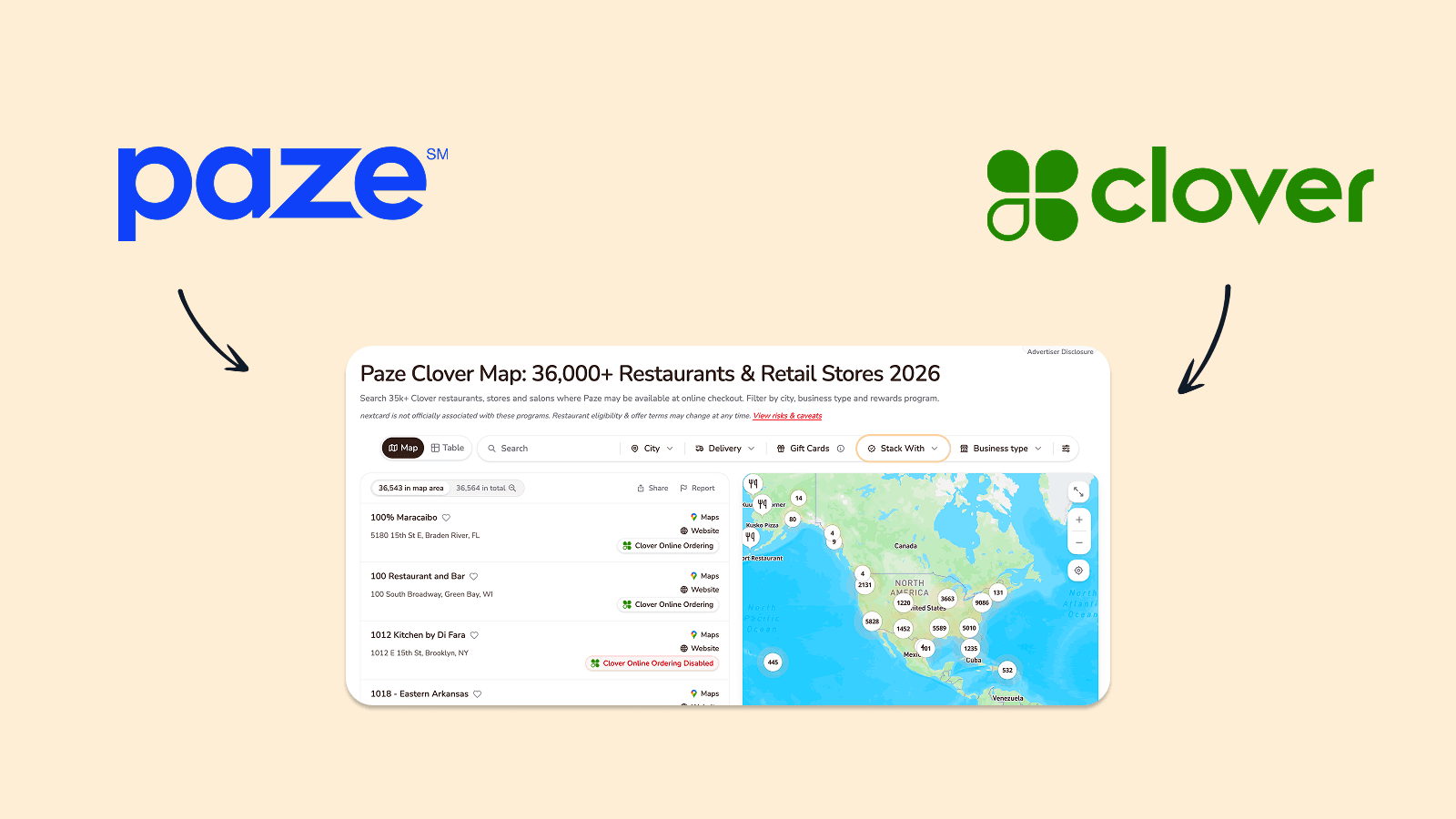
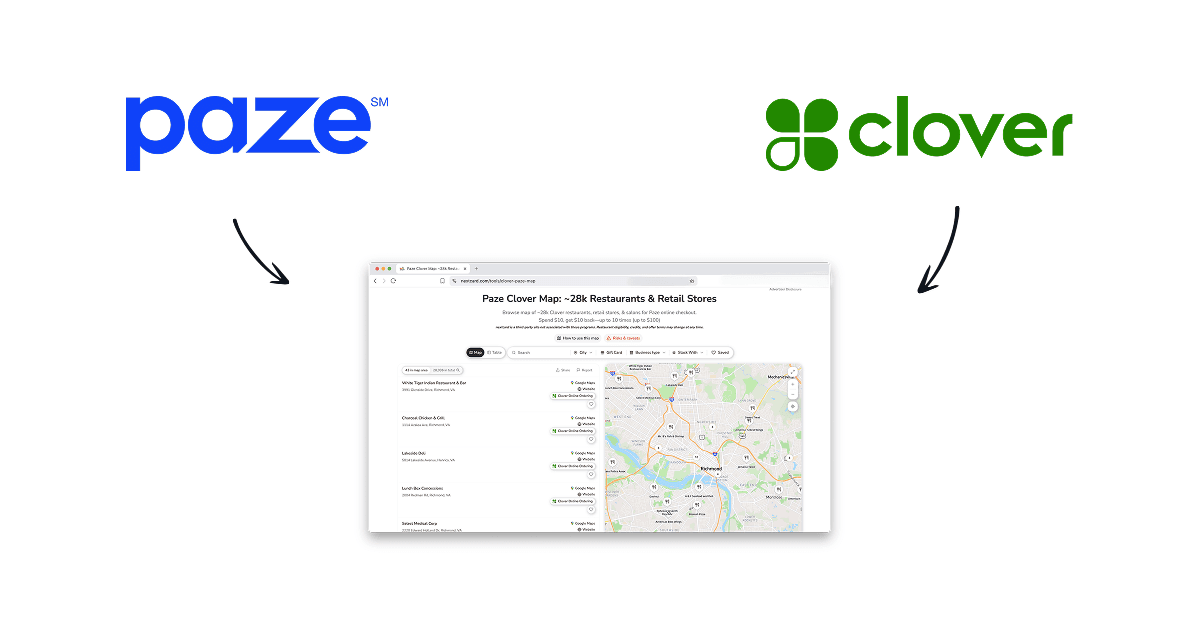
Find Clover restaurants, stores, salons and other merchants where Paze may be available at online checkout. Explore delivery, gift cards and rewards programs.
Interactive tool
Open tool